A lot of shipping problems start before a truck ever rolls. The rate is copied wrong. The pickup window gets missed in one system but not the other. Somebody has to send three emails just to confirm what should already be clear. That is where freight api integration starts to matter. Not as a tech project for its own sake, but as a way to cut down mistakes, speed up decisions, and keep freight moving.
For shippers and logistics teams, the real question is simple. Will an integration make daily work easier, or will it create one more thing to babysit? The answer depends on how you use it, what data you are passing back and forth, and whether the carrier on the other end actually runs a disciplined operation.
What freight API integration is really doing
At the basic level, an API lets two systems talk to each other. In freight, that usually means your TMS, ERP, warehouse system, shipping platform, or customer portal sending and receiving load data automatically.
That can include quotes, tenders, shipment status, PODs, appointment details, tracking events, equipment type, and exception alerts. Instead of someone retyping the same information in multiple places, the systems share it directly.
That sounds straightforward. In practice, it only helps if the data is clean and the process behind it is clear. Bad data moved faster is still bad data. If pickup numbers are wrong or commodity details are incomplete, the integration just spreads the confusion faster.
Where freight API integration helps the most
The biggest win is speed. When shipment details move automatically from one system to another, your team spends less time on manual entry and follow-up. That means fewer delays in quoting, dispatch, and check calls.
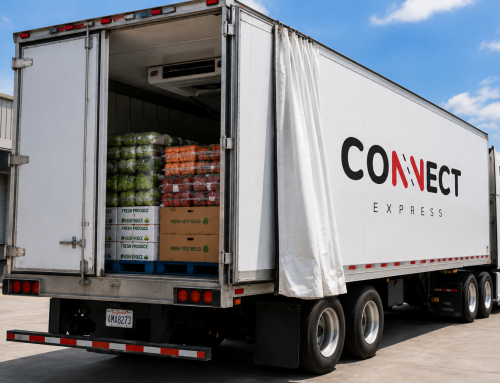
It also helps with visibility. If your customers or internal teams are asking where the load is, API-driven tracking can push updates without somebody having to stop and answer the same email ten times a day. That matters even more on reefer freight, dedicated lanes, and time-sensitive shipments where late information can become a service failure.
Another benefit is consistency. A good integration reduces the chance that one department is working off old information while another has the current update. Pickup times, delivery appointments, reference numbers, and accessorial notes should match everywhere. If they do not, small errors turn into missed pickups and detention.
The systems most companies connect
Most freight API integration projects are not huge at the start. They usually begin with the systems people already rely on every day.
A shipper may connect its ERP to a TMS so order data creates shipments automatically. A warehouse system may push ready times and pallet counts into the transportation workflow. A carrier connection may feed back status updates, location pings, signed delivery documents, and exception notices.
Some teams also connect customer-facing portals so their buyers can see shipment progress without calling dispatch. That can be useful, but only if the underlying updates are accurate. A polished portal with bad tracking is worse than no portal at all.
What to define before you integrate
Before anybody starts talking endpoints and payloads, get the operating details straight. What data do you actually need? When should it be sent? Who owns each update? What counts as the system of record?
If those answers are fuzzy, the project drifts. One team assumes the carrier will update arrivals. Another assumes the shipper will. Nobody owns exceptions. Then a late load sits in the system looking fine while the customer waits for an answer.
It helps to map the full shipment flow first. Start with order creation. Then tender, acceptance, pickup, in transit milestones, delivery, and paperwork. Look at where delays, duplicate entry, and missed communication happen now. Those are the spots worth fixing first.
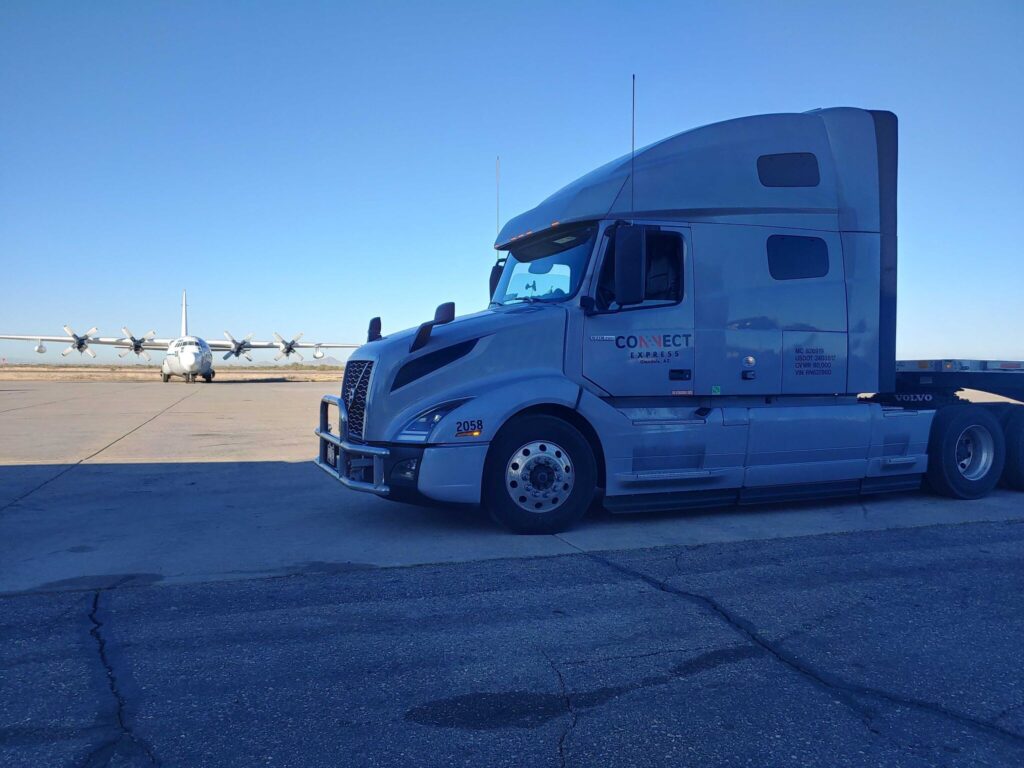
TSA Certification: Overview of TSA certification for access to TSA-controlled airports and facilities.
Common mistakes in freight API integration
The first mistake is trying to automate everything at once. That usually slows the project down and creates more points of failure. It is better to start with a few high-value actions, like load tenders, status updates, and document return.
The second mistake is treating the API like the whole solution. It is just the connection. The real result depends on dispatch discipline, driver compliance, appointment management, and how fast issues get handled when something changes on the road.
The third mistake is assuming every carrier can support the same level of integration. Some can send clean milestone data and documentation quickly. Others may only support basic status updates. If your freight needs tight visibility, ask practical questions early instead of assuming every provider works the same way.
Why carrier operations still matter
This is where a lot of shippers get burned. They build out the data connection, but the service itself is inconsistent. If the truck is late, the API does not fix that. If the driver misses a check-in or the dispatcher does not update a delay, the system only reflects the gap.
Freight API integration works best when the carrier side is already operationally sound. Real dispatch. Real equipment. Real drivers. Clear communication. That is what makes the data useful.
A carrier that runs tight can turn API updates into something you can trust. You get real pickup status. Real in-transit visibility. Real delivery confirmation. No guessing where your load is. Without that operating discipline, the integration becomes window dressing.
H2: Freight API integration for time-sensitive freight
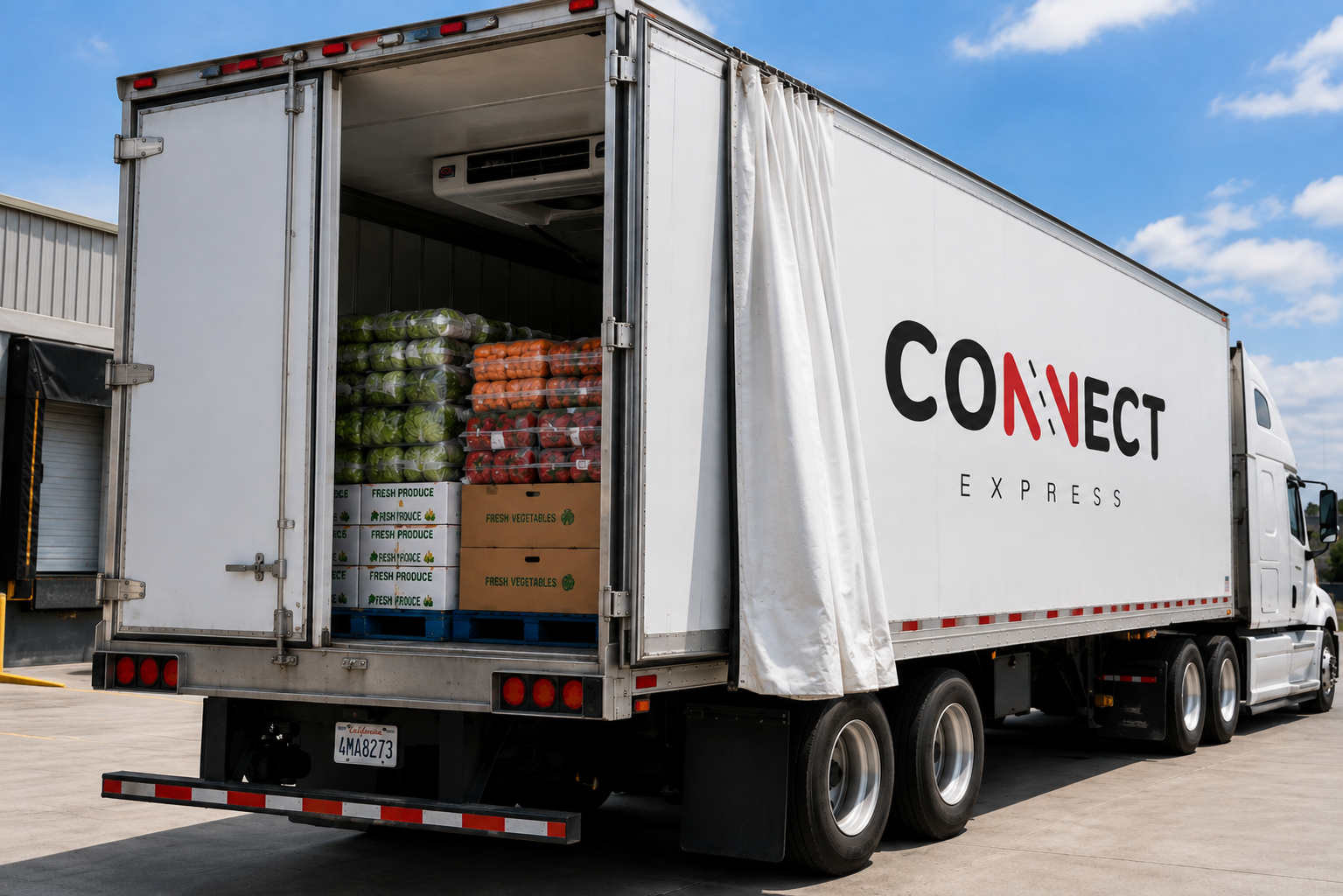
Not every load needs the same level of visibility. A flexible delivery window is one thing. A reefer shipment with a firm receiver appointment is something else.
For time-sensitive freight, integrations should focus on milestone accuracy and exception handling. You need to know when a truck is dispatched, when it is on site, when loading starts, when it departs, and whether anything threatens the appointment. If a trailer issue, weather delay, or facility backup affects the load, that update has to move fast.
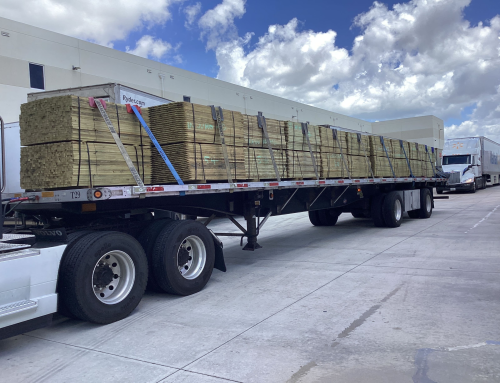
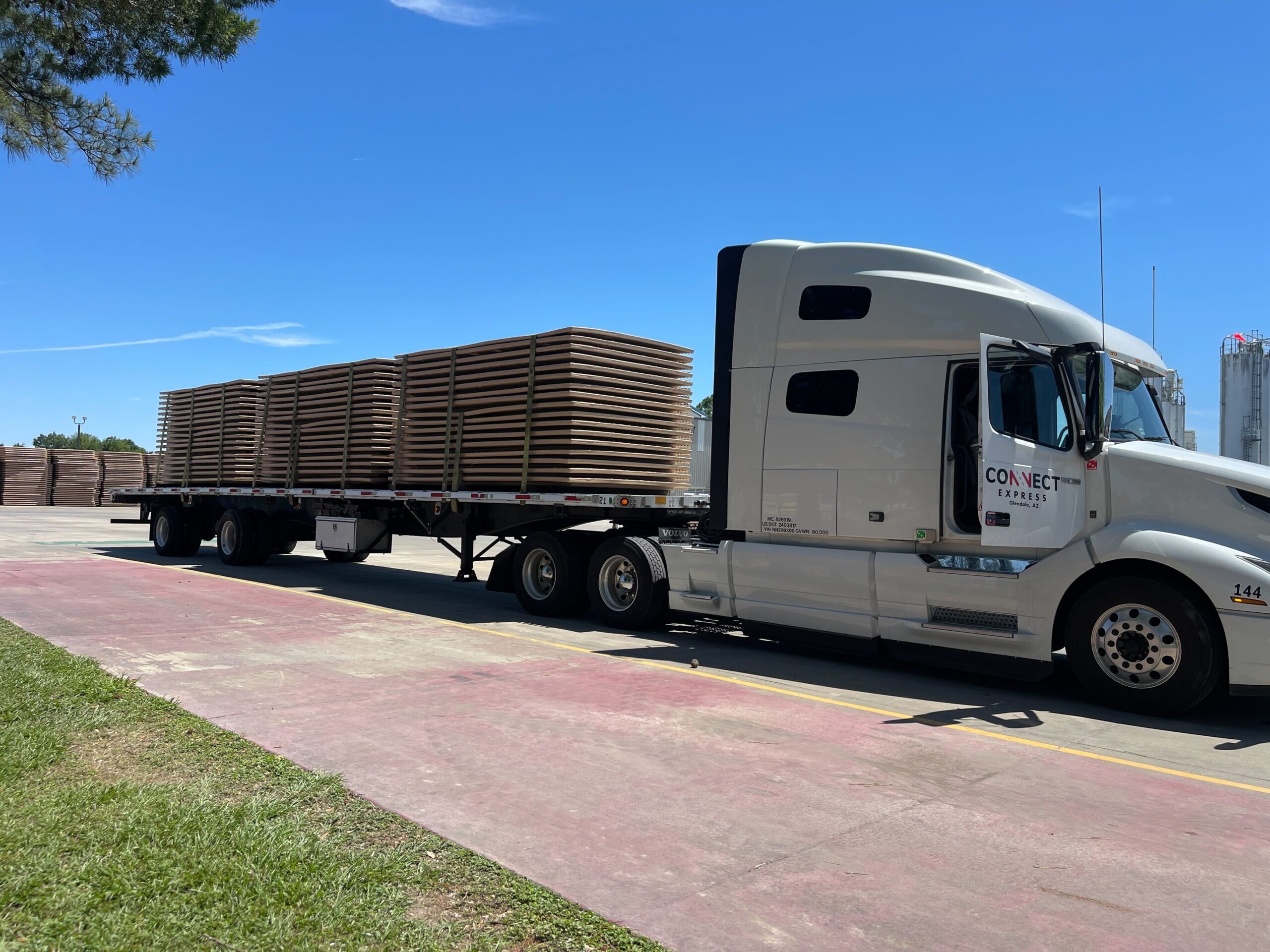
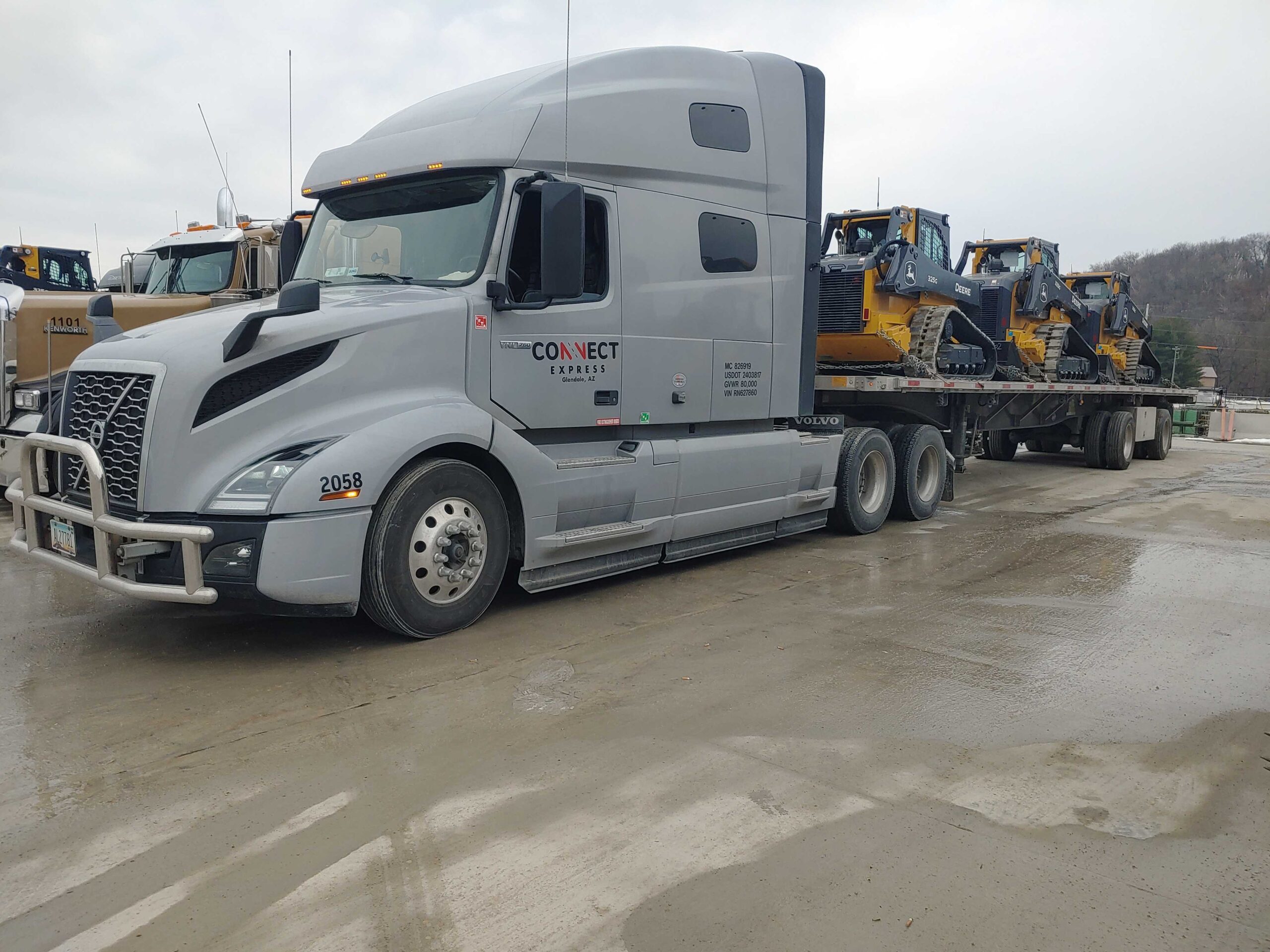
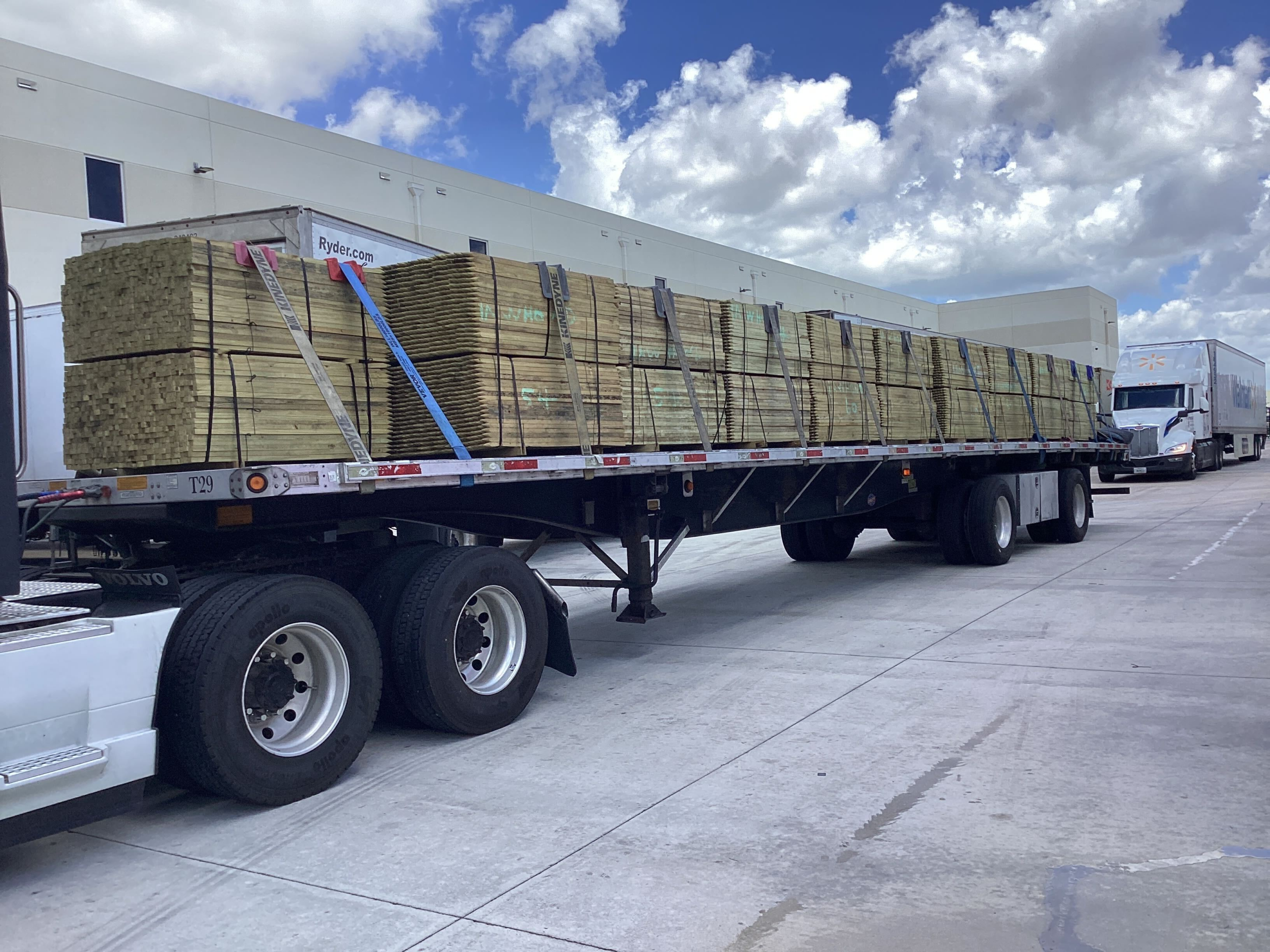
The same goes for flatbed and oversized freight. Those shipments can involve route constraints, permit timing, and special handling. Generic tracking is not enough if the shipment has unique requirements. The system needs to capture the details people actually use to make decisions.
What good tracking data looks like
Good data is boring in the best way. It is consistent. It shows up on time. It matches what is happening in the field.
That means shipment IDs line up across systems. Status messages follow the same format. Appointment changes are logged clearly. Location updates are frequent enough to be useful but not so noisy that they become hard to read. Exceptions are flagged in a way that tells your team what happened and what to do next.
If the update simply says delayed, that is not much help. If it says driver checked in, dock is backed up, revised departure 3:30 PM, that is something a freight manager can act on.
H2: How to roll out freight API integration without creating chaos
Start small. Pick one workflow that causes daily friction. Rate requests, load tenders, status updates, or POD retrieval are common starting points. Build that first, test it under real load conditions, and make sure the data is usable before adding more.
Bring operations into the project early. Not just IT. Dispatch, customer service, shipping, receiving, and anyone handling exceptions should review the process. They are the ones who know where the bad handoffs happen.
Test edge cases, not just clean shipments. Late appointments, rejected tenders, stop changes, partials, temperature issues, lumper fees, and delivery reschedules all expose weak spots. If the integration only works when everything goes right, it is not ready.
It also helps to agree on fallback procedures. Systems go down. Data can lag. Drivers lose signal. When that happens, your team still needs a clear manual process so freight does not stall while everyone waits for the feed to recover.
What shippers should ask before moving forward
Ask what the integration actually covers. Quotes and tenders are not the same as tracking and paperwork. Ask how often status data updates, how exceptions are handled, and who is responsible for fixing bad records.
Ask whether the carrier operation behind the API is built for consistency. A nice data feed does not mean much if pickups are missed or updates are late. The operating side has to be strong enough to support the tech.
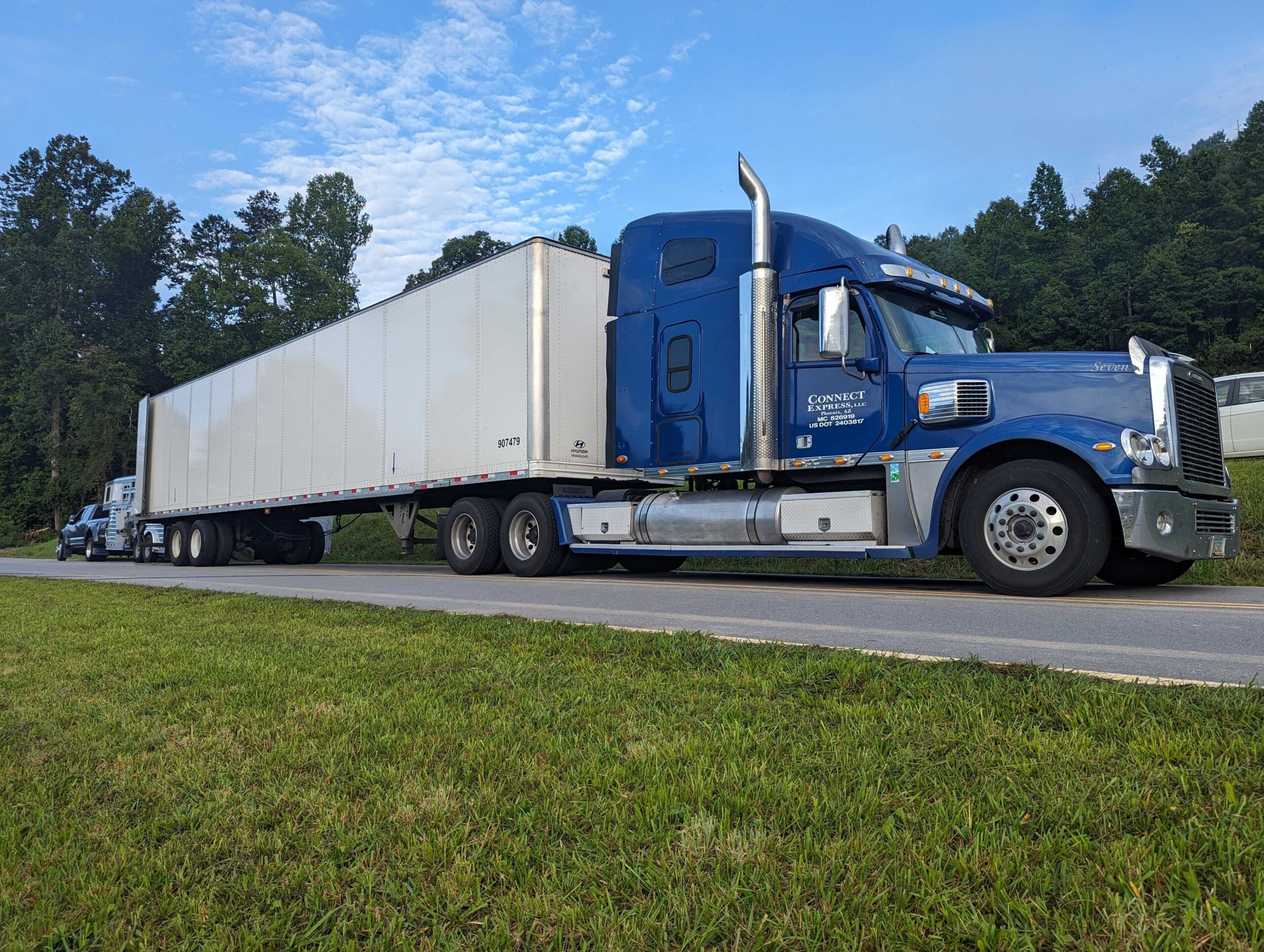
If you are working with a carrier based in Phoenix, Arizona or covering regular freight across the Southwest, that local operating rhythm can matter too. Regional freight often moves on tight schedules with repeat facilities, recurring lanes, and familiar shipping windows. In that setup, integration works best when it supports the actual lane conditions, not some generic workflow copied from a software demo.
The point is fewer surprises
Most shippers do not need more software noise. They need fewer calls asking for the same status. Fewer errors from rekeyed load details. Fewer missed updates between shipping, dispatch, and receiving.
That is what freight api integration should deliver. Better information, sooner, with less chasing. But the real value shows up when the people moving the freight are dependable in the first place.
If the truck shows up on time, the updates are accurate, and issues are flagged early, the integration is doing its job. If not, the problem is usually not the API. It is the operation behind it. Start there, and the tech has a chance to help.
Need capacity on this type of freight? Connect Express LLC provides asset-based logistics services across the Southwest and nationwide.
Request a truckload quote: Contact Connect Express or call (844) 474-8963.